Case Study
Migrating from Divi to Elementor.
Home
Resources
Changing your Wordpress page builder — how hard can it be?
Changing your Wordpress page builder — how hard can it be?
Well probably harder than you think — Why? because there's no fancy built in migration tool, the shortcode problem means all content needs to be copied across manually and rebuilding your theme with your new page builder always takes longer than you expect. So yeah it's a painful process and this retrospective is from our experience of migrating a small/medium client site in just over two weeks.
You don’t switch page builders because you want to — you do it because you need to. That’s exactly where our client was with Divi. Their day-to-day work flow felt sluggish and hindered with multiple productivity stops thanks to random loading delays on even the simplest of updates. The publishing team were literally about to cry.
Modern builders like framer have taken website creation to new levels of sophistication. Intuitive human work flows combined with one click publishing has raised the standards of what users expect. Whilst elementor is no framer it does come with a more human drag and drop builder and importantly it just runs faster than Divi.
How to setup your environment.
If you're still up for migrating then before touching anything we recommend taking a full backup and setting up a separate staging environment. We did this on a subdomain of ours and this keeps the migration process transparent and easy to follow for all collaborators and stakeholders involved.
Don't skimp on the planning.
Once the physical setup is complete we cannot stress how important planning your migration is. With any migration there are always hidden opportunities to improve site aspects like information architecture, performance, usability and SEO. It's all up for grabs if the correct planning exercises are conducted.
Fig 1 — A simple content heirrachy used to map out our early migration discussions.
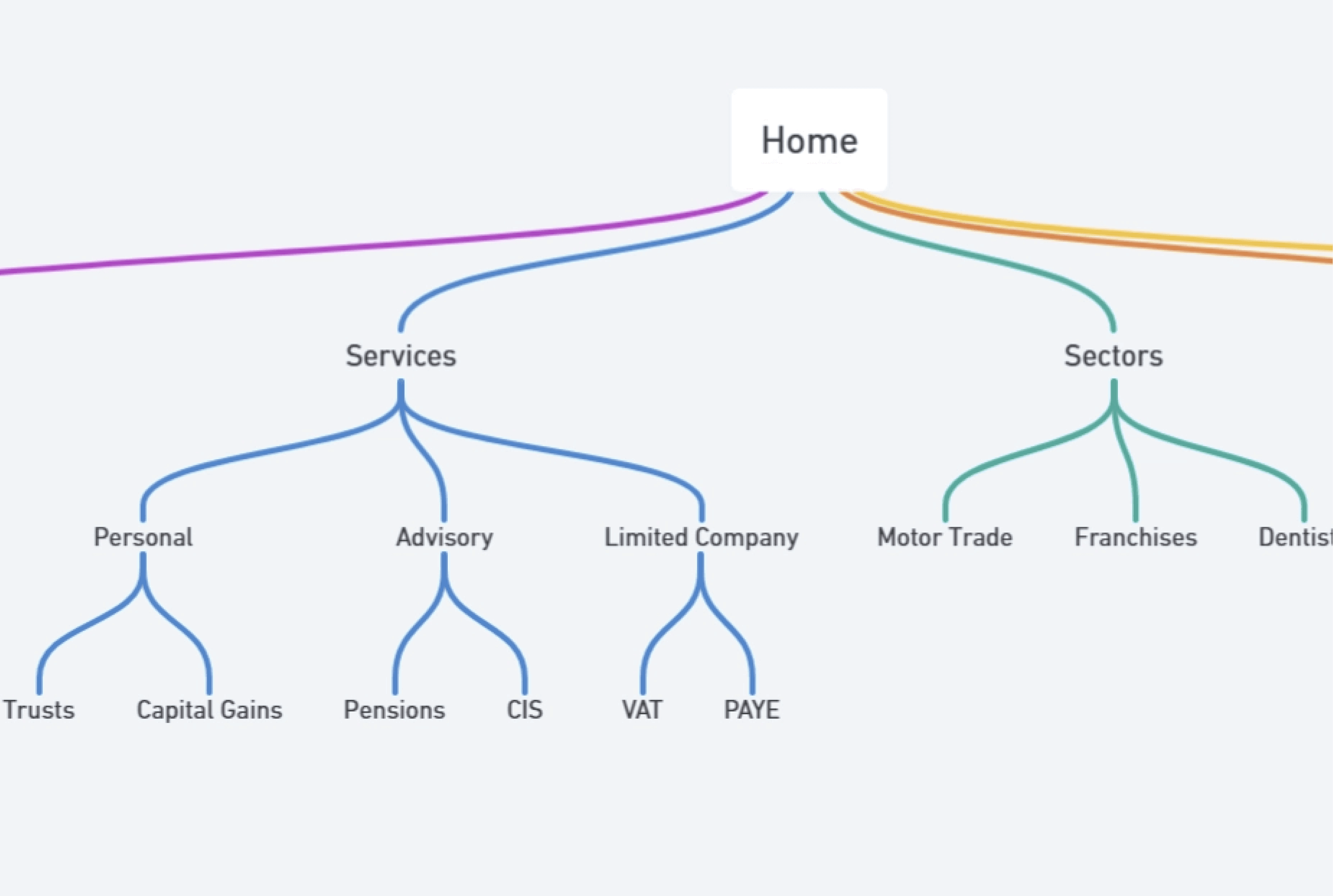
On this particular project we carefully studied the content architecture, sections and categories to ensure we would make maximum use of all the cool features Elementor offered over Divi. It also set us up for future ideas on how we could improve the customers existing user journey. So don't skip the planning.
Your site will break because of shortcodes.
Once Divi gets disabled the site will break stripping each page back to displaying shortcodes but don't worry we'll take you how to fix this shortly. Next enable elementor and manually edit each page removing the short codes, replacing them with content from the old site. Yes you need to manually copy and paste content from the older builder to the new one.
This is easily the slowest part of the entire process because copying content is insanely boring and more importantly highly susceptible to human error. So take your time and get everything synced up before jumping into the theme setup.
Why planning for re-use is essential.
Elementor supports design systems out of the box — including global colours, fonts, styles, variables as well as components. It's essential that you setup the design system aspects of your theme straight after the base migration. Failing to setup your design system will mean more work for you later. For your wordpress theme we recommend you start off with the "Hello Elementor" base theme.
The dreaded design system.
Next setup your headers, footers and independent components to enable maximum theme re-use. Elementor editor 4.0 was still in beta at the time of migration.
Fig 2 — A pull out of the new atomic elements within Elementor editor 4.0.
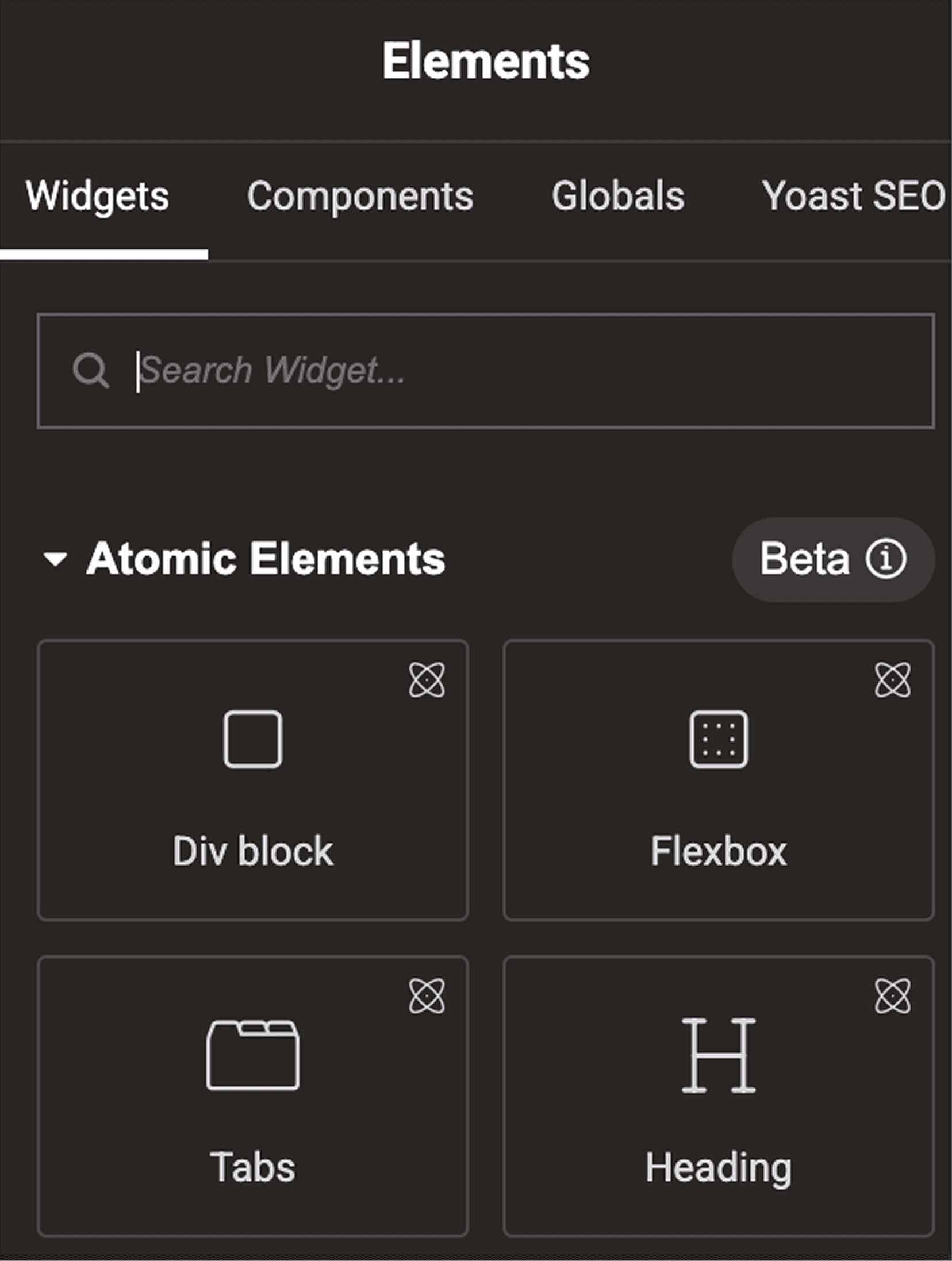
Despite this we recommend you utilise these new atomic elements to future proof your build, even in beta they seem to be working quite well. Components on the other hand are less stable and our recommendation would be to use them very minimally or not at all until a final release is announced.
Swapping out plugins and 3rd party tools.
Your previous build with Divi will leave behind broken plugins. Whilst Elementor does come with a decent assortment of divi replacement plugins there may still remain gaps which you might need to fill with non elementor plugins. Breadcrumbs were an example that we had to go 3rd party for.
Testing is vital — but the debugging tools are dreadful.
You'll need to test before going live — unfortunately Elementors debug system is quite limited with vague messaging ultimately forcing you to manually enable and disable bits to figure any major problems. It's not a game breaker but it's something to be wary of and will probably mean testing will take longer than you expect.
Performance and hosting.
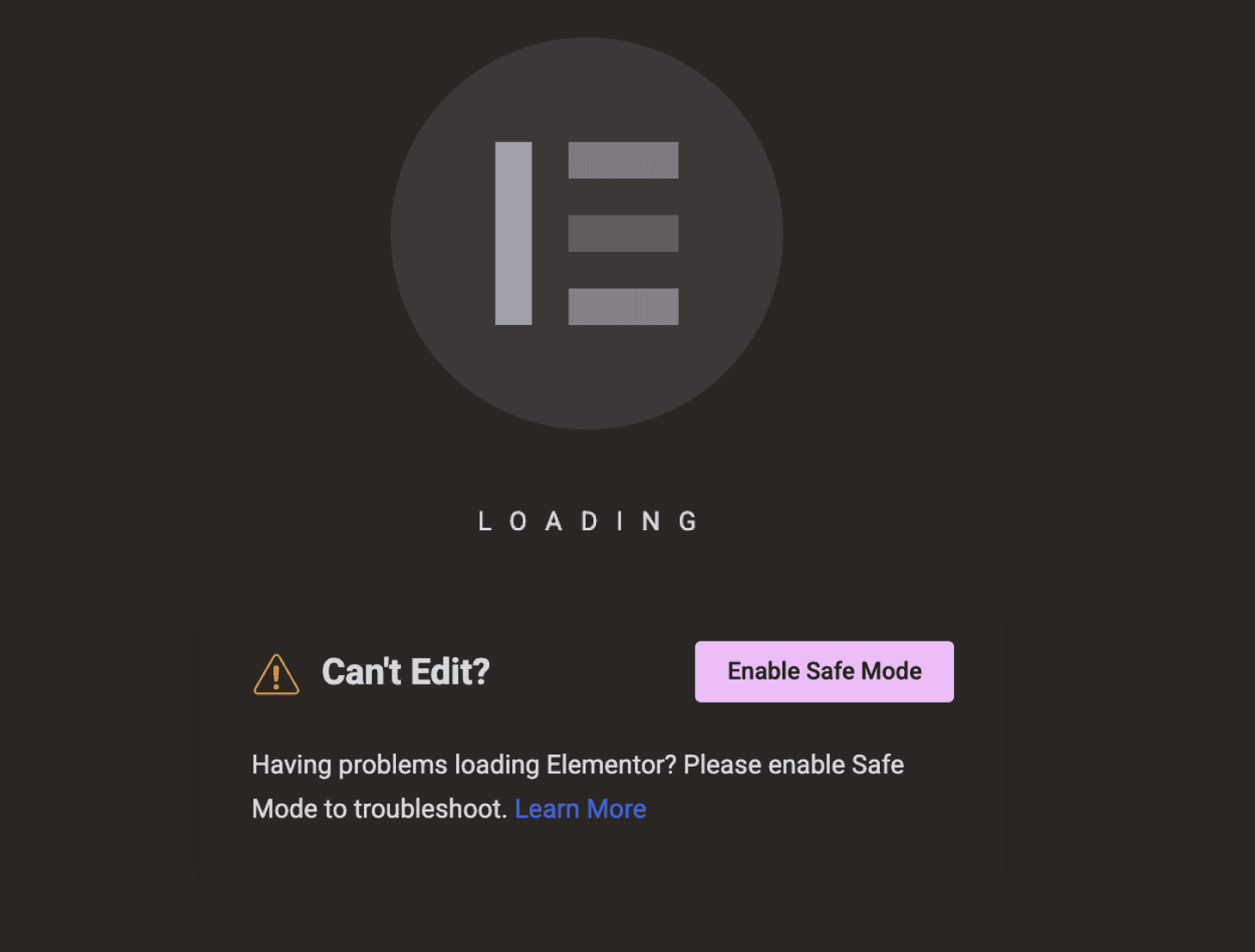
Elementor editor performance is heavily dependent on server resources. We personally had to increase PHP memory to 1GB to keep things running smoothly. If you don't not only will you get lag whilst editing but you may even get stuck on a loading screen like the image above. So if your editor seems to hang and lag then check your PHP memory allocations and if that doesn't work you might need to upgrade your hosting to have more resources available.
Fig 3 — A typical loading page when Elementor starts to struggle with performace.
Is the 4.0 Elementor editor ready for production?
The answer is some what nuanced and it does depends on your needs. Our personal recommendation is a big fat no if there are no immediate reasons to upgrade and your site is generally stable. In this scenario we'd recommend holding off until it's out of beta and into it's first official release.
Yes if you're having immediate problems or are have a very aggressive growth plan. In that scenario the risk reward setup is worth it as long as you follow some rules.
Firstly do use atomic elements — they are the future of Elementor and offer a cleaner more organised workflow when building out your themes. You'll have access to variables, classes and it promotes re-use in a much leaner more understandable way. Oh and legacy properties like global fonts, colours etc all remain compatible.
Fig 4 — An example of a simple component. Note it's a single div with a flat list of atomic elements inside. This is fine but do not start to nest divs inside of divs unless you want problems downstream.
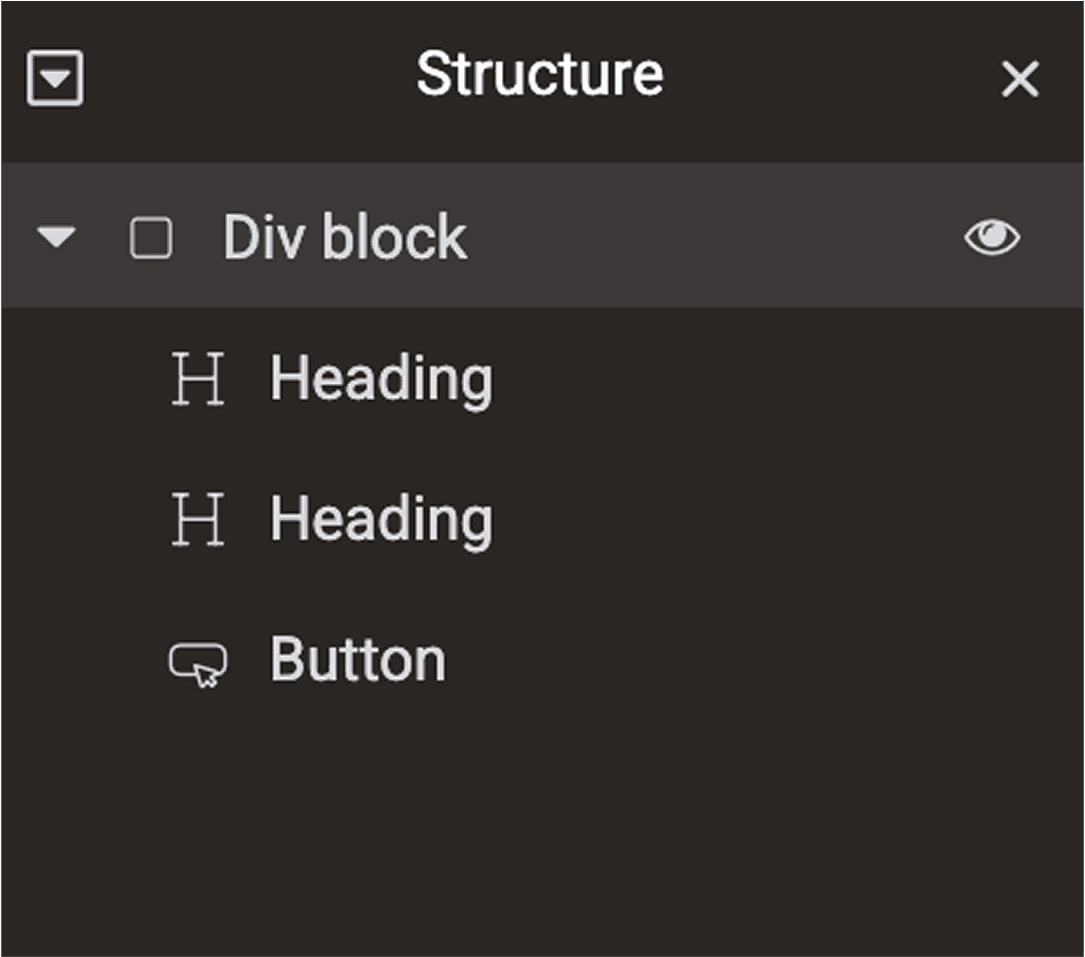
Do not use components unless your use case is very simple. Single level non-nested components like the one featured above are fine. Anything more complex will break and will break multiple times. There are especially problems with editing components after creation, especially when you move elements around. This often leads to unlinked properties ultimately making components somewhat unusable.
Summary of learnings
Here's a quick summary of our core learnings.
Content migration will be your biggest time drain.
Moving content manually will be slow, repetitive, boring and subject to human error — allocate enough time.
Removing Divi plugins will break functionality — so plan ahead and look for compatible replacements.
Components are buggy and unstable in the 4.0 beta editor — If you are going to use them don't nest multiple divs and flexboxes inside one another. Keep things simple if possible.
Elementor performance can be a problem on shared hosting — we personally had to increase PHP memory to keep things running smoothly.
Sometimes updating the site didn't reflect updates for over an hour. It wasn't always a caching issue.
Related